Tekla Structures · custom development · online flow

From idea to a smart Tekla solution.

Tekniq turns specialist industry knowledge into reliable plugins, integrations and online workflows. Precisely matched to your process, from modelling to production and support.

Since
2019
Focus
100% tailored
From
Design to production
Tekniq development flowconnected
01QuestionYour ideal workflow
02BuildTekla + Tekniq framework
03ResultModel, data and production
Online collaborationHelp · Support · Releasestraceable and continuously improvable
Tekla APIDirect ManipulationGeometryProduction exportOnline platform
What Tekniq solves

No 80% solution.
One flow that truly fits.

The limit is not what standard software can already do. We start with the workflow you need and build the technology around it.

02Integrations & export

Keep information moving.

Connect design, engineering, production and machinery without recreating the same information each time.

  • Revit and BIM integrations
  • Production and machine export
  • Controlled data flows
03Online collaboration

Keep knowledge and support connected.

Product access, documentation, support and technical development all connect to the same digital Tekniq flow.

  • Shared organisation context
  • Traceable questions and releases
  • Up-to-date product documentation
From challenge to working solution

Technical depth. Practical clarity.

You do not need to know the technical solution in advance. A clear picture of the workflow you want is enough to begin.

  1. 01
    Think freely

    Describe how it should work ideally, without the constraints of existing software.

  2. 02
    Understand the process

    We make decisions, exceptions, model data and production impact explicit.

  3. 03
    Build in controlled steps

    The solution grows in working increments, built on proven Tekniq patterns.

  4. 04
    Validate in practice

    Not only technically correct, but usable in the real Tekla process.

  5. 05
    Keep improving

    Help, support and releases keep the product and its knowledge aligned.

Built for practice

From prefab element to complete production flow.

Solutions for concrete, timber, steel and aluminium that bring modelling logic, production requirements and ease of use together.

Tekla model of a concrete sandwich panel01

Concrete sandwich panels

Multiple layers, reinforcement, openings and provisions in one manageable modelling flow.

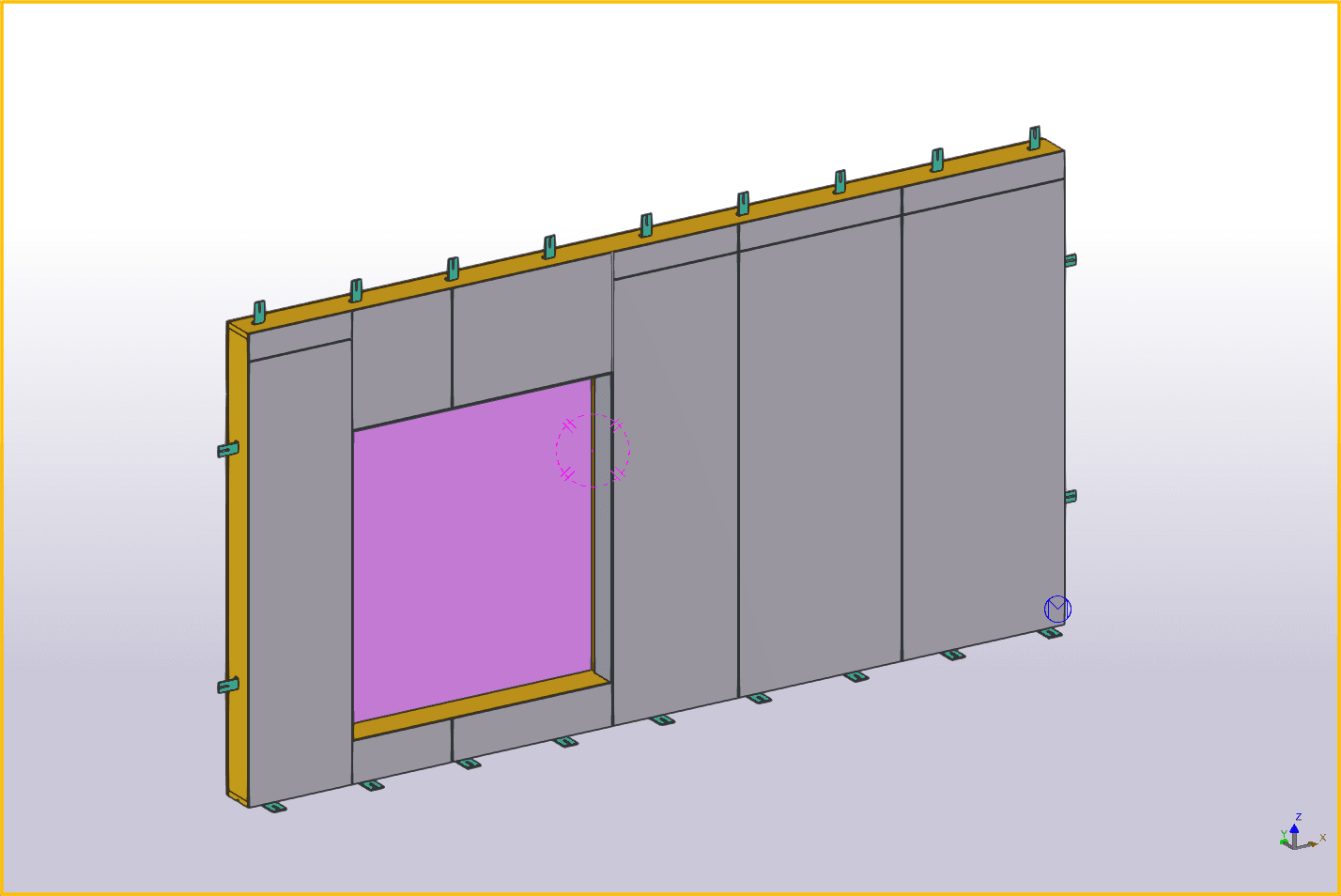
Tekla model of a timber-frame wall02

Timber-frame walls

Walls, sheeting, openings, fixings and production data from a single configuration.

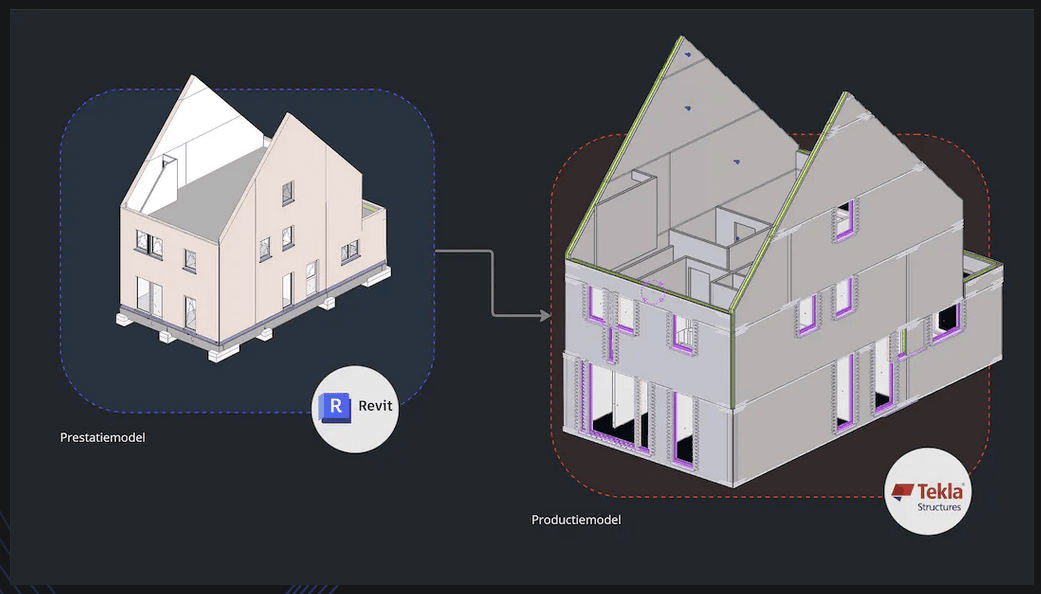
Model transfer from Revit to Tekla Structures03

Revit to Tekla

Reliable information transfer from the design model to detailing and production.

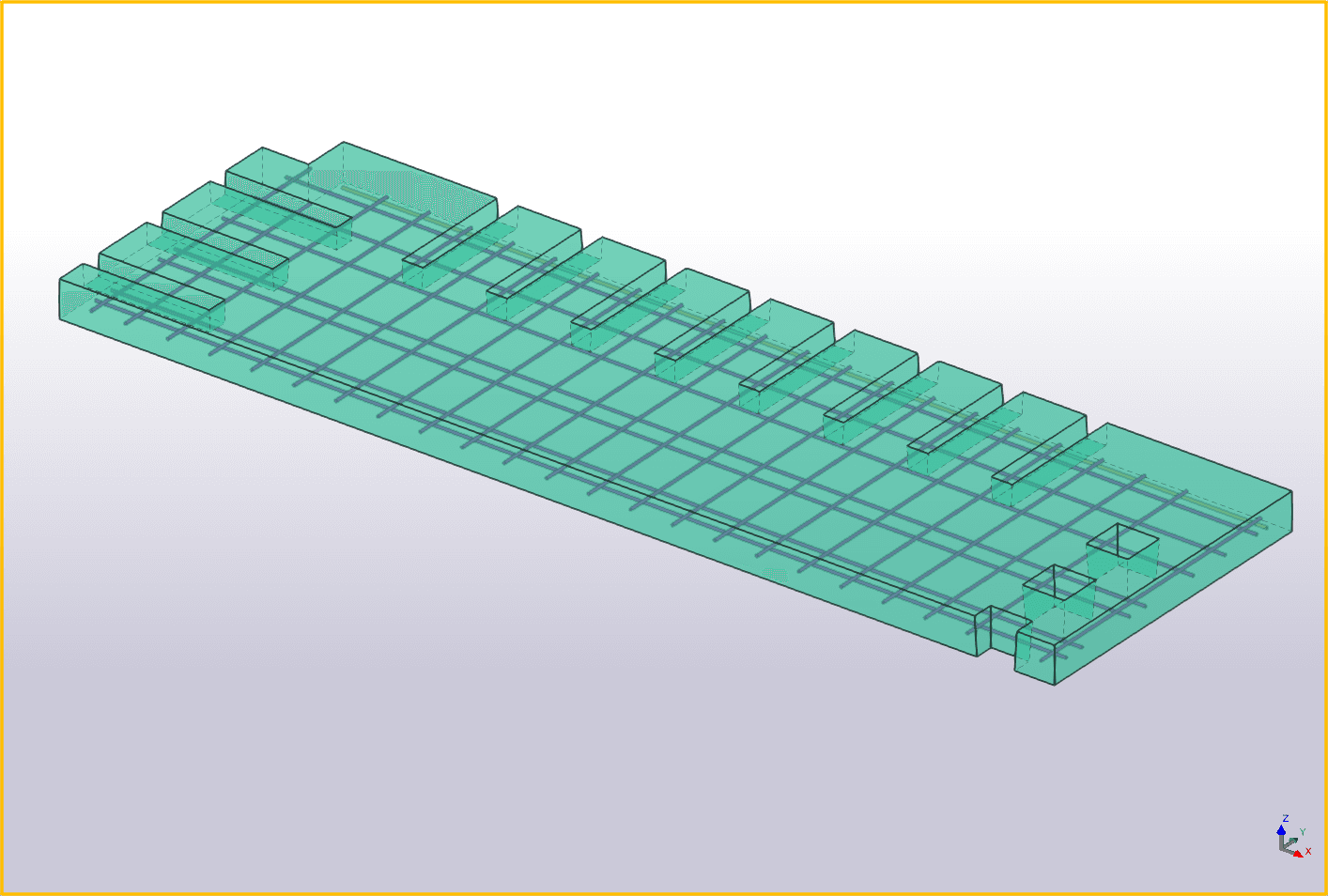
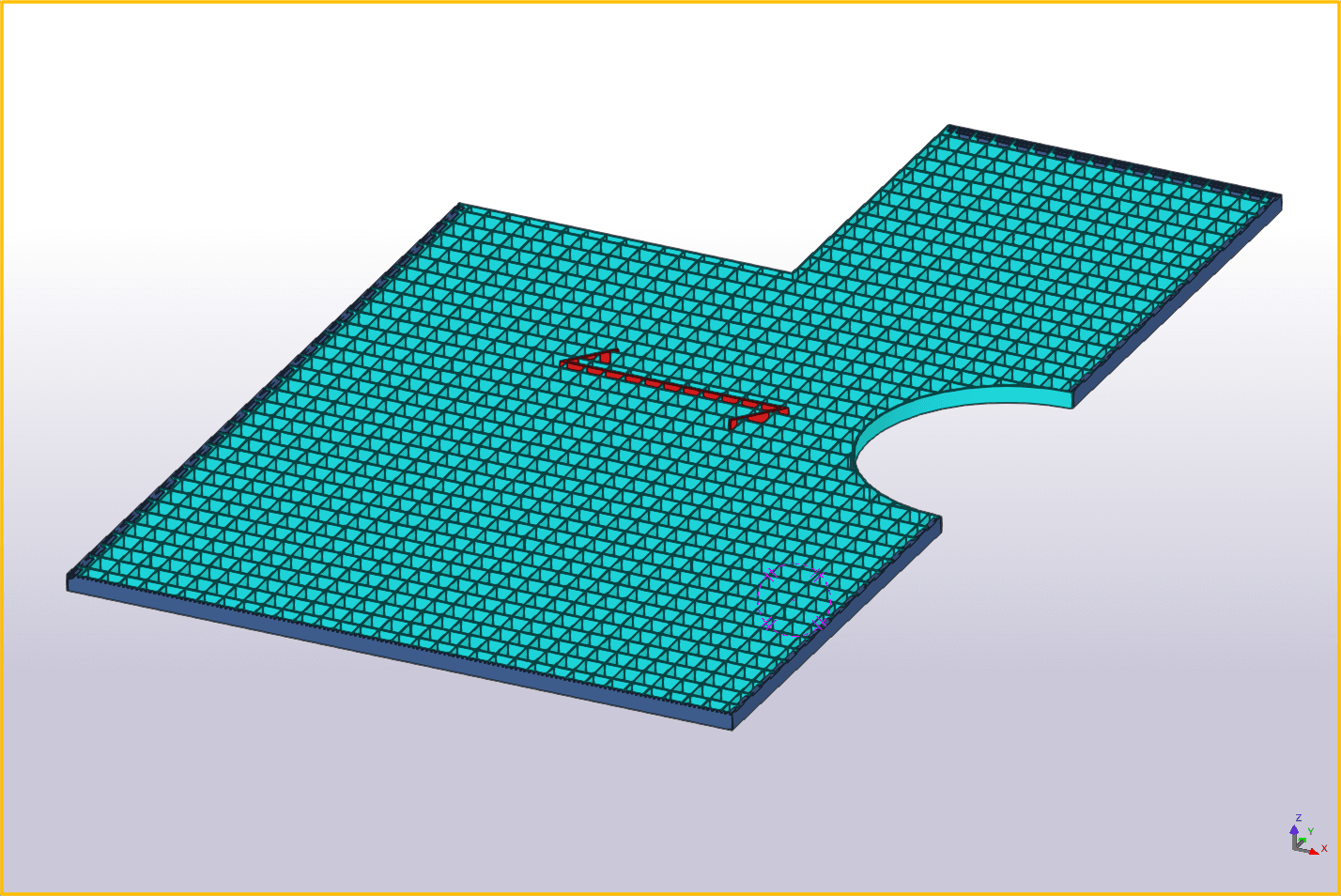
Reinforcement meshes in a Tekla model04

Reinforcement

Fill floor fields with reinforcement meshes while every bar remains directly adjustable in the model.

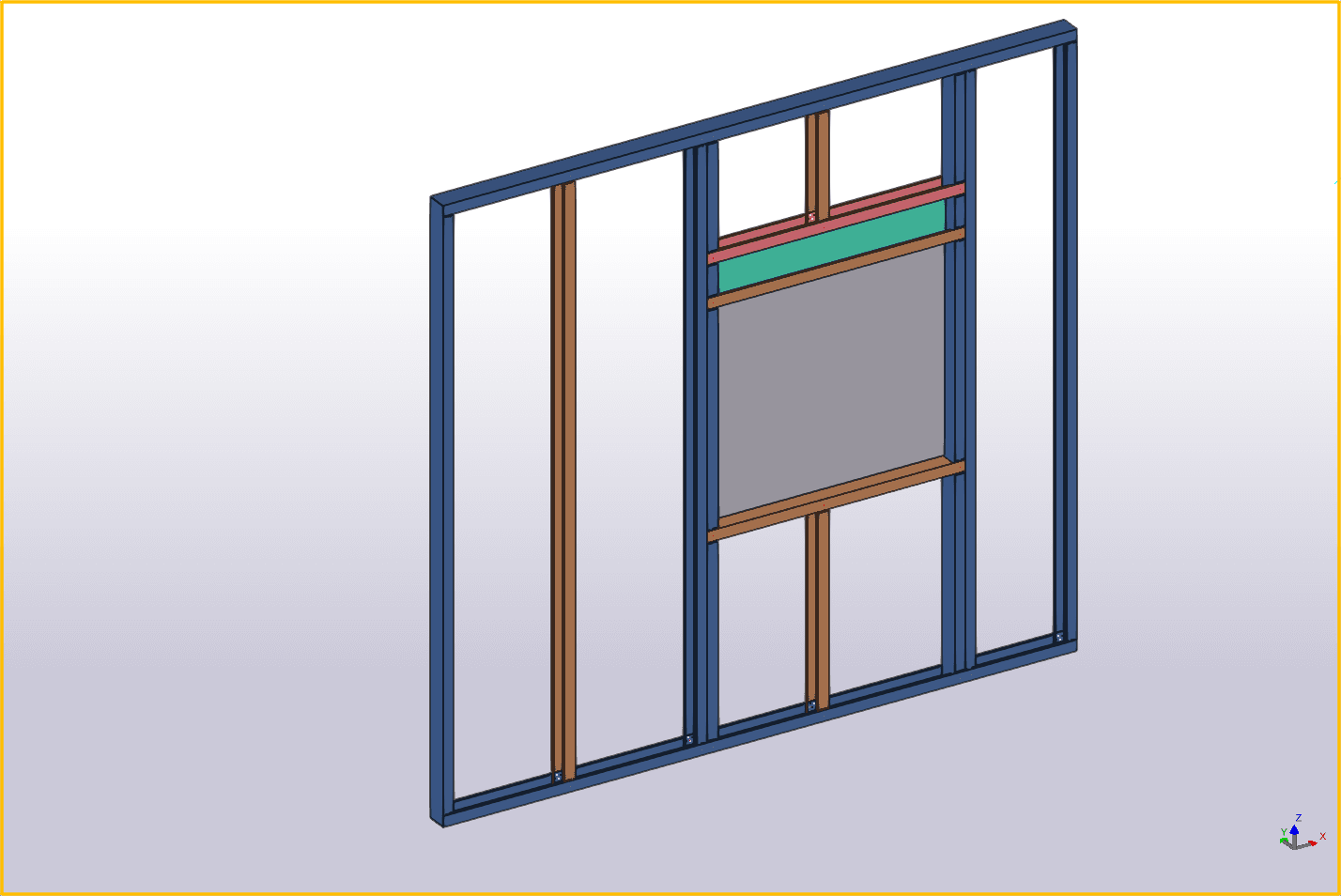
Steel-frame wall with openings in Tekla Structures05

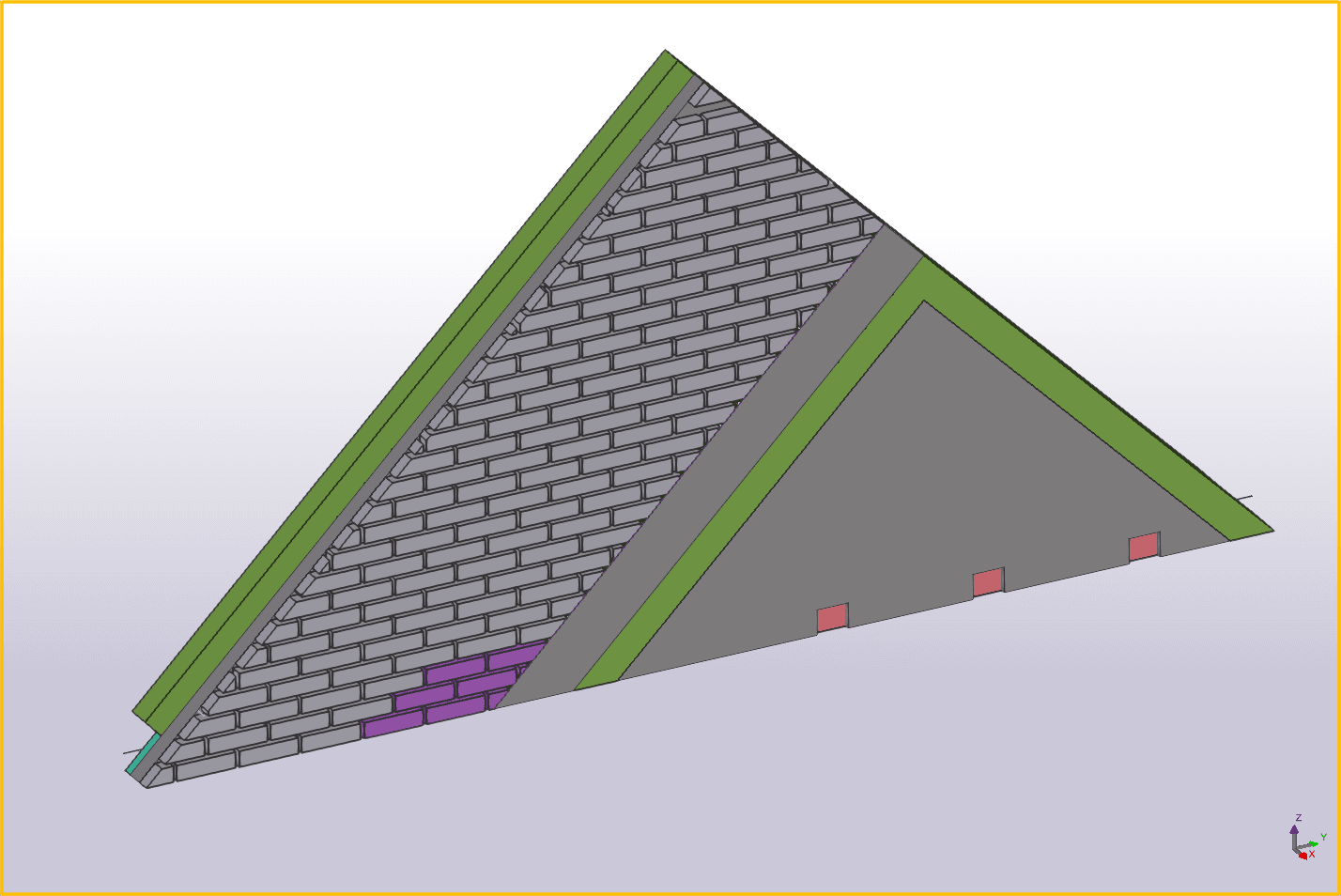
Steel framing

Walls with openings, plates, nail lines and connections, including data for machine control.

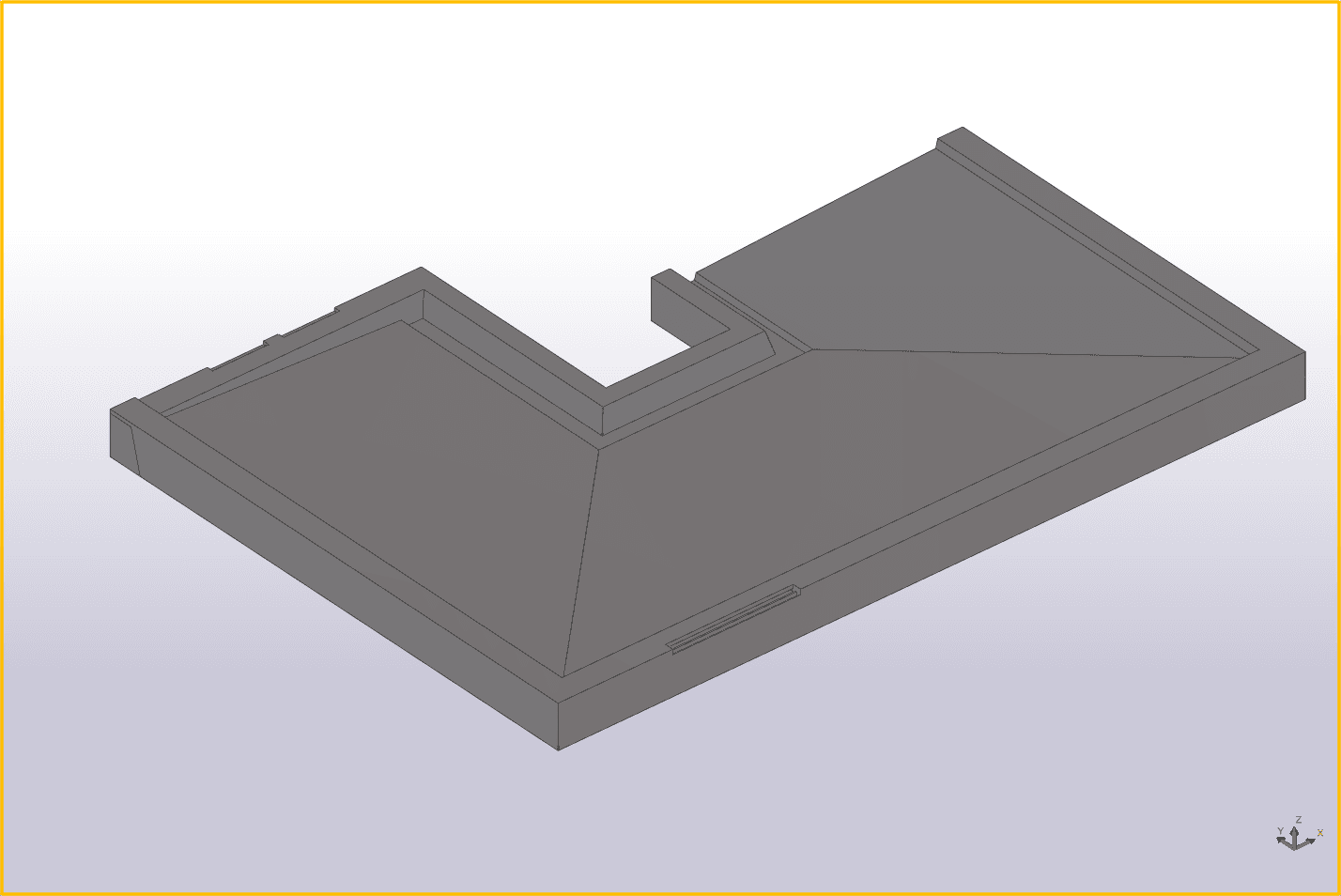
Balcony model with gutters and openings06

Balconies

Complete balconies with continuous ends, gutters, drip edges, borders and freely modelled openings.

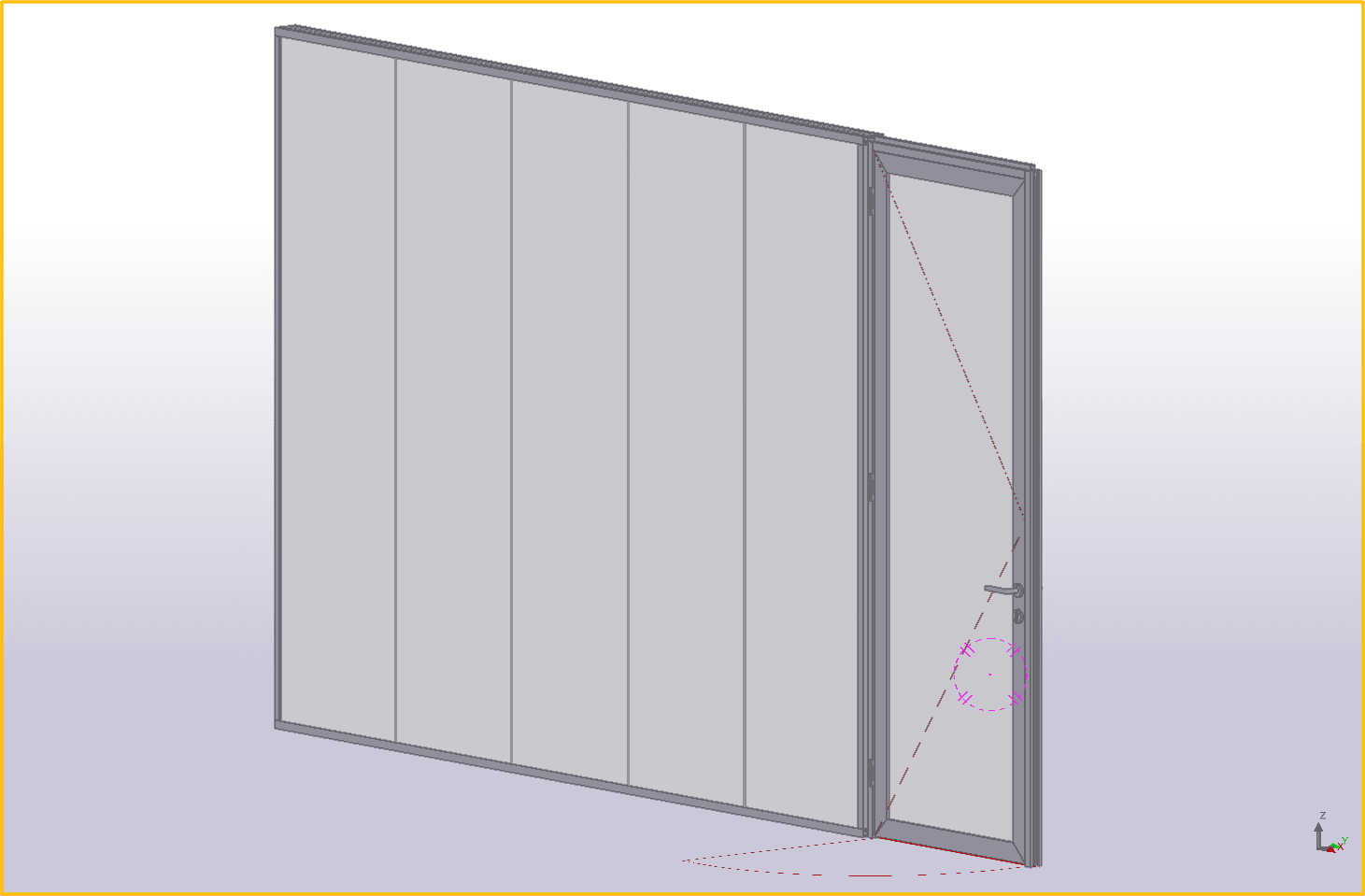
Aluminium wall and window-frame configuration07

Aluminium

Aluminium walls, window frames and doors from one connected configuration for complete fit-out projects.

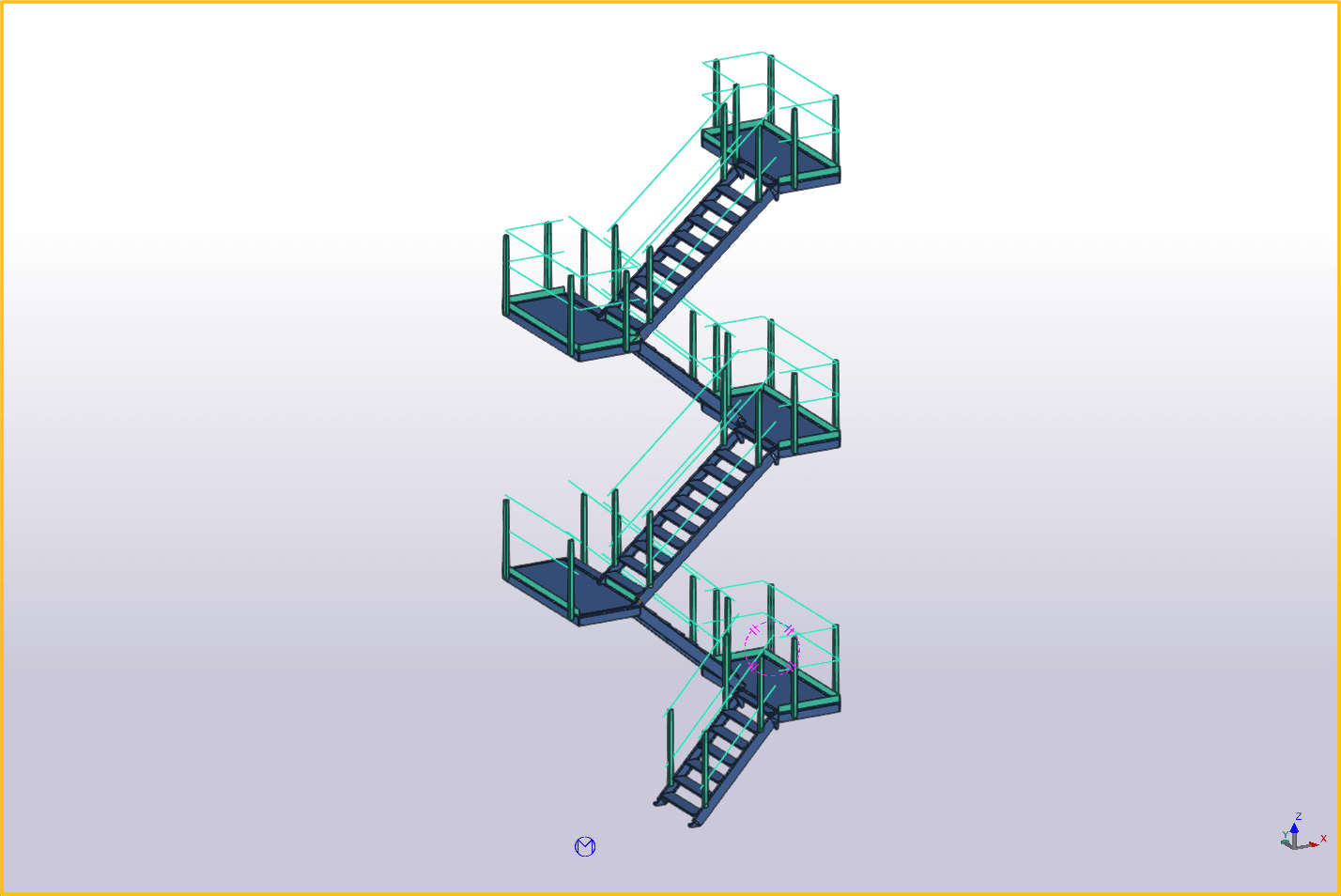
Configured stairwell in a structural model08

Stairwells

A stairwell configurator that quickly creates controlled variants for calculations and quotations.

Lattice girders with production data for machine control09

Lattice girders & machinery

Lattice girders in a range of shapes, with optional louvres and export for direct machine control.

The online flow

Tekla is the source. Everything else builds on it.

Tekla Structures remains the starting point: this is where the model and production data originate. Project View makes that information directly available in the browser. Dashboard organises projects and versions, while Support connects questions to the ongoing development of your Tekniq plugins. One reliable source becomes a complete digital workflow.

01Projects & packages

Project Dashboard

Paid project management for projects, phases and multiple .tekniq publications in one clear overview.

  • Projects and versions together
  • Search and sort by phase or status
  • Open directly in Project View
Open Dashboard
02Collaborate & improveWith Tekniq plugins

Tekniq Support

Included with your Tekniq plugins. Capture questions completely and track progress without losing context.

  • Tickets with images and attachments
  • A shared, live Kanban board
  • From question to technical development
Open Support
03Model & documentsFree

Project View

Open an IFC or .tekniq model in the browser for free and find production documents for the right object.

  • Open a 3D model without Tekla
  • Inspect object properties
  • Linked drawings and production data
Open Project View

Find manuals and technical knowledge in Tekniq Help ↗

Tim Haverkamp, founder and developer of TekniqFounder & developer
About Tekniq

Industry expertise and software development at the same table.

Tim Haverkamp founded Tekniq in 2019 with one conviction: if something can be done manually in Tekla, it should also be possible to automate it intelligently.

Experience in support, consultancy and development comes together in solutions that go beyond the standard limits of the Tekla API. Tekniq’s own framework makes complex model interaction, reuse and direct manipulation practical.

“The greatest limitation is thinking in limitations.”

Tim Haverkamp
Challenge us

Which manual step would you rather never repeat?

Tell us what your ideal process looks like. Tekniq will determine what it takes to automate it reliably.

Email TimLinkedIn ↗tim@tekniq.nl · Zutphen